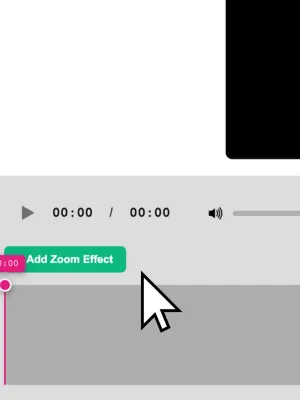
Browser Recorder vs Cursorful: A Free Cursorful Alternative
Cursorful charges $79 for commercial use, mic and camera. Browser Recorder is free. Here is how the two Chrome screen recorders actually compare.
Practical walkthroughs for recording your screen, your tabs, and your voice straight from the browser.
Cursorful charges $79 for commercial use, mic and camera. Browser Recorder is free. Here is how the two Chrome screen recorders actually compare.
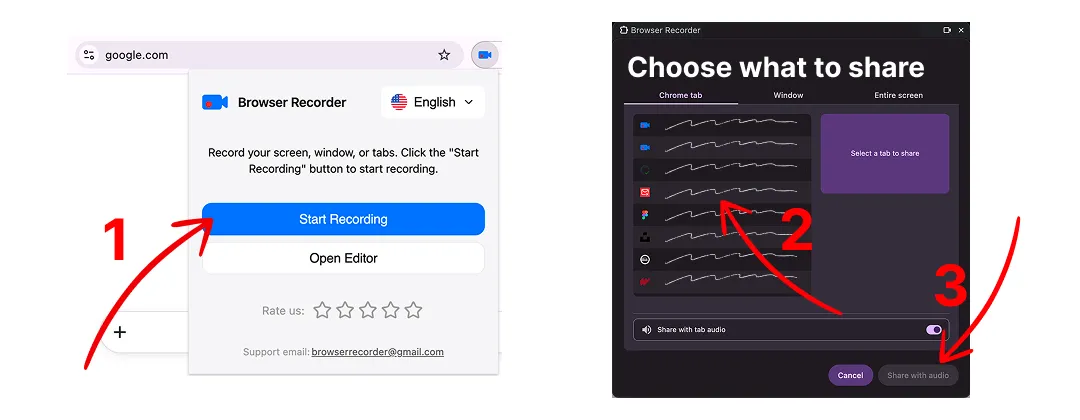
Record any browser tab together with its sound and your microphone, then save it as a video file. No account, no watermark, no time limit.
Comparing Loom alternatives in 2026? Browser Recorder records locally with no five-minute cap and no watermark, free or $39 once. Here is how it stacks up.
How to record screen with audio straight from the browser: no desktop install, no account, no upload. Here is what that trade-off actually costs you.