Browser Recorder Bezmaksas ekrāna ierakstīšana ar audio pārlūkprogrammai Chrome
Viegls Chrome paplašinājums, kas ieraksta audio, video un skaņu tieši no jūsu tīmekļa pārlūkprogrammas — pilnekrāna režīmā, cilnē vai logā ar papildu mikrofona stāstījumu. Bezmaksas, bez ūdenszīmes, bez laika ierobežojuma.
 Pievienojiet pārlūkam Chrome — tas ir bez maksas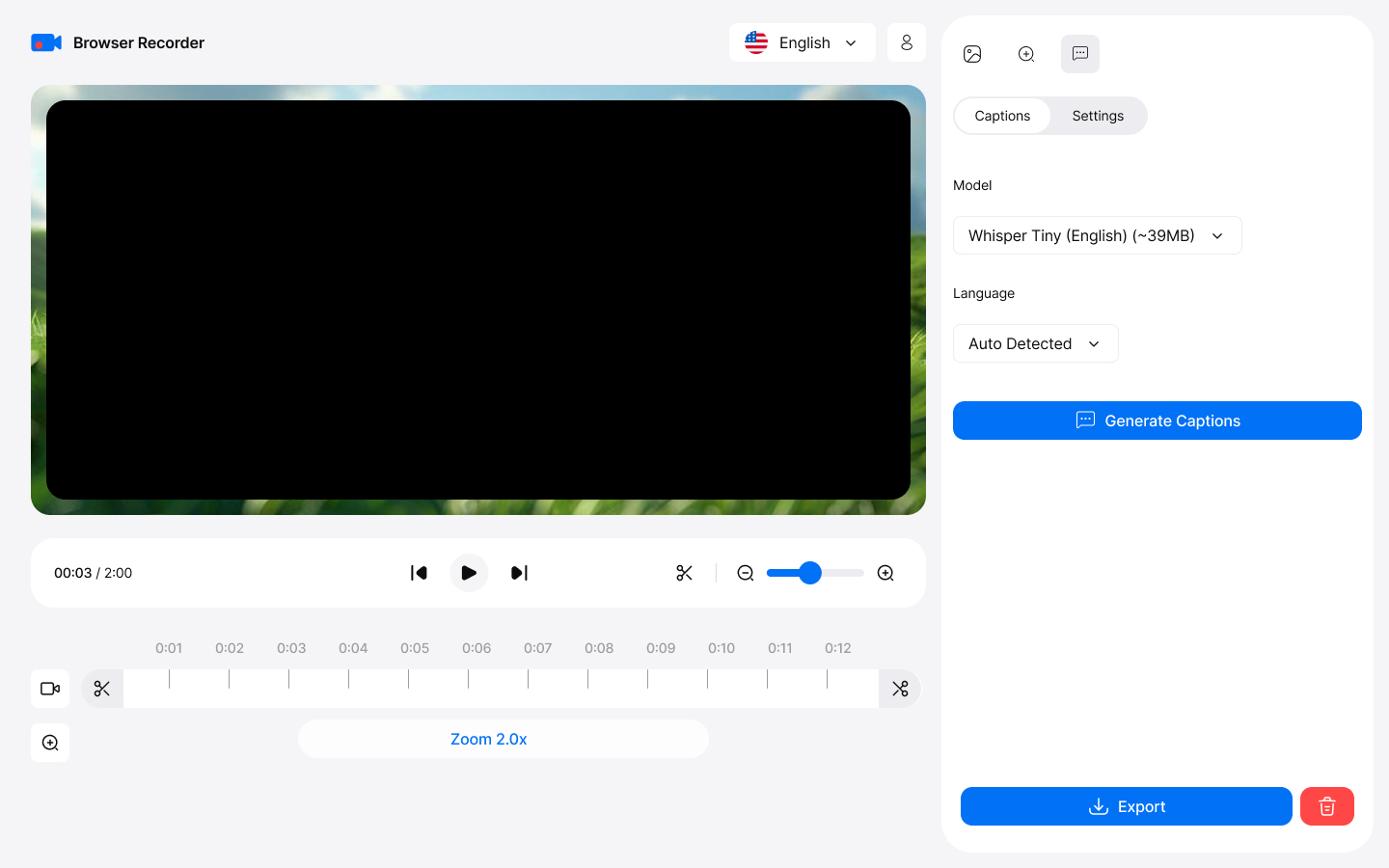
How it works
Capture
This browser sound recorder captures your entire screen, specific tabs, or application windows with exceptional clarity—ideal for professional presentations and tutorials. To get started, simply click "Start Recording" in the app to begin capturing instantly.
Export
To save your recording after editing, click "Save" in the video editor. You can choose to download the file in WebM or MP4 format for easy playback and sharing.
Key Features
Everything you need for professional screen recording
Ierakstiet savu ekrānu HD kvalitātē
Screen recording with audio in HD quality. Capture entire screens, specific tabs, or application windows with exceptional clarity.
Uzņemiet cilnes audio un mikrofonu kopā
Ierakstiet skaņu no pārlūkprogrammas cilnēm ar senatnīgu kvalitāti. Uzņemiet sistēmas skaņu un mikrofonu vienlaikus — īsts pārlūkprogrammas balss ierakstītājs stāstītām pamācībām bez ūdenszīmēm vai laika ierobežojumiem.
AI radīti paraksti
Pārvērtiet runu precīzos parakstos automātiski, izmantojot ierīces Whisper AI, un pēc tam ierakstiet tos savā eksportētajā videoklipā. Nav manuālas rakstīšanas.
Nav nepieciešama darbvirsmas lietotne
Works directly in Chrome without heavy desktop apps. Zero system slowdown with efficient compression algorithms.
Built-in Editor
Apgrieziet un izgrieziet ierakstus, pievienojiet viedo tālummaiņu, kas seko kursoram, un stilīgu fonu. Eksportējiet MP4, WebM, MOV vai MKV formātā līdz 4K.
Ieraksti nekad neatstāj jūsu ierīci
Jūsu ieraksti nekad neatstāj jūsu ierīci. Visa apstrāde un uzglabāšana notiek lokāli, tāpēc jūs pilnībā kontrolējat savu saturu.
Professional Use Cases
Trusted by professionals worldwide
For Educators
- Create online courses with screen recording
- Record browser video lectures with voice narration
- Capture interactive demonstrations
- Save student presentations
For Business
- Record online meetings and webinars
- Create training materials
- Document software workflows
- Archive important conferences
For Content Creators
- Produce YouTube tutorials effortlessly
- Create product reviews and demonstrations
- Record gameplay from web-based games
- Capture streaming content legally
Getting Started
Start recording in minutes with our intuitive interface
Install from Chrome Web Store
Download and add the extension to your Chrome browser in one click.
Choose recording mode
Noklikšķiniet uz paplašinājuma ikonas un izvēlieties pilnekrāna režīmu, logu vai cilni — pēc izvēles pievienojiet kameru kā pārklājumu.
Select audio sources
Choose microphone, system audio, or both for comprehensive recording.
Start recording
Click start and begin recording. Edit and export when you're done!